Listing Image
Custom
URL Import
From Products
Step 1: Upload Your Product Image
Click to upload
Step 2: Enter Product Info & Details
0 / 3000
Step 3: Select Image Types
White BackgroundClean white background product shot
Selling PointHighlight key selling points with text
Usage ScenarioProduct in real-life usage scenario
Size ChartSize chart with measurements
DetailClose-up detail of product features
ComparisonSide-by-side comparison showcase
PackagingProduct packaging showcase
Text Language
English
Aspect Ratio
1:1
Resolution
1K
Credits required:
20 credits × 2 images = 40 credits
Tutorial
Generate Listing Images
Import your product, add info, and generate multi-type listing images.
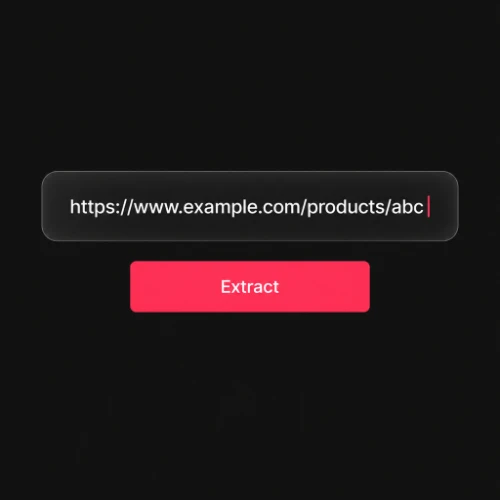
IMPORT PRODUCT
Paste a product URL or pick one from your library to auto-extract title, description, selling points and images.
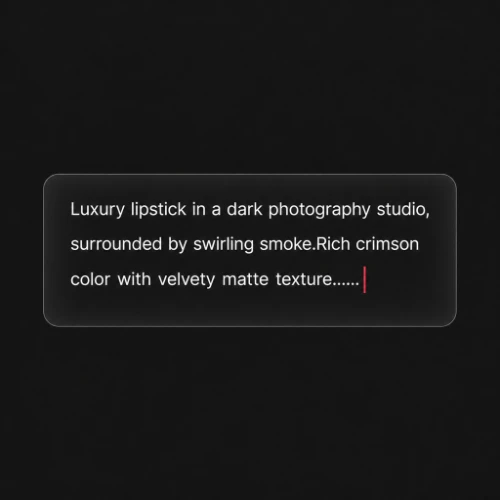
ADD INFO
Add product info, select aspect ratio and resolution.
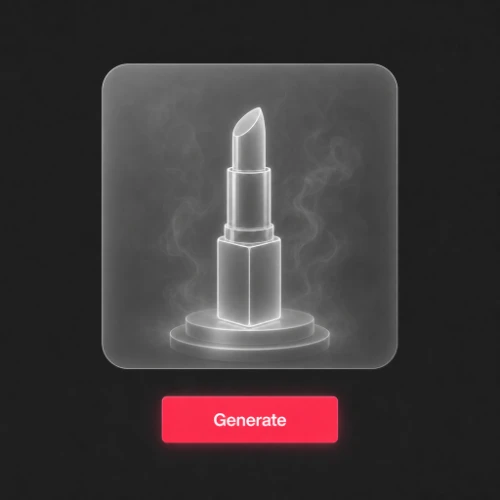
SELECT TYPES
Select image types, AI will generate one image per type.